 AppLocker
AppLocker press kit
Everything you need to write about AppLocker: the facts, ready-to-use descriptions, images, and a direct line to the developer.
In one line
AppLocker is an Android app lock for when someone else has your phone: the apps you lock stay shut until your PIN or pattern goes in.
At a glance
- App
- AppLocker – App Lock
- Developer
- DevCodeApps, one indie developer
- Platform
- Android 7.0 or later
- Price
- Free for up to 3 apps (with ads). AppLocker Pro is a monthly subscription; eligible new subscribers can start with a free trial.
- Languages
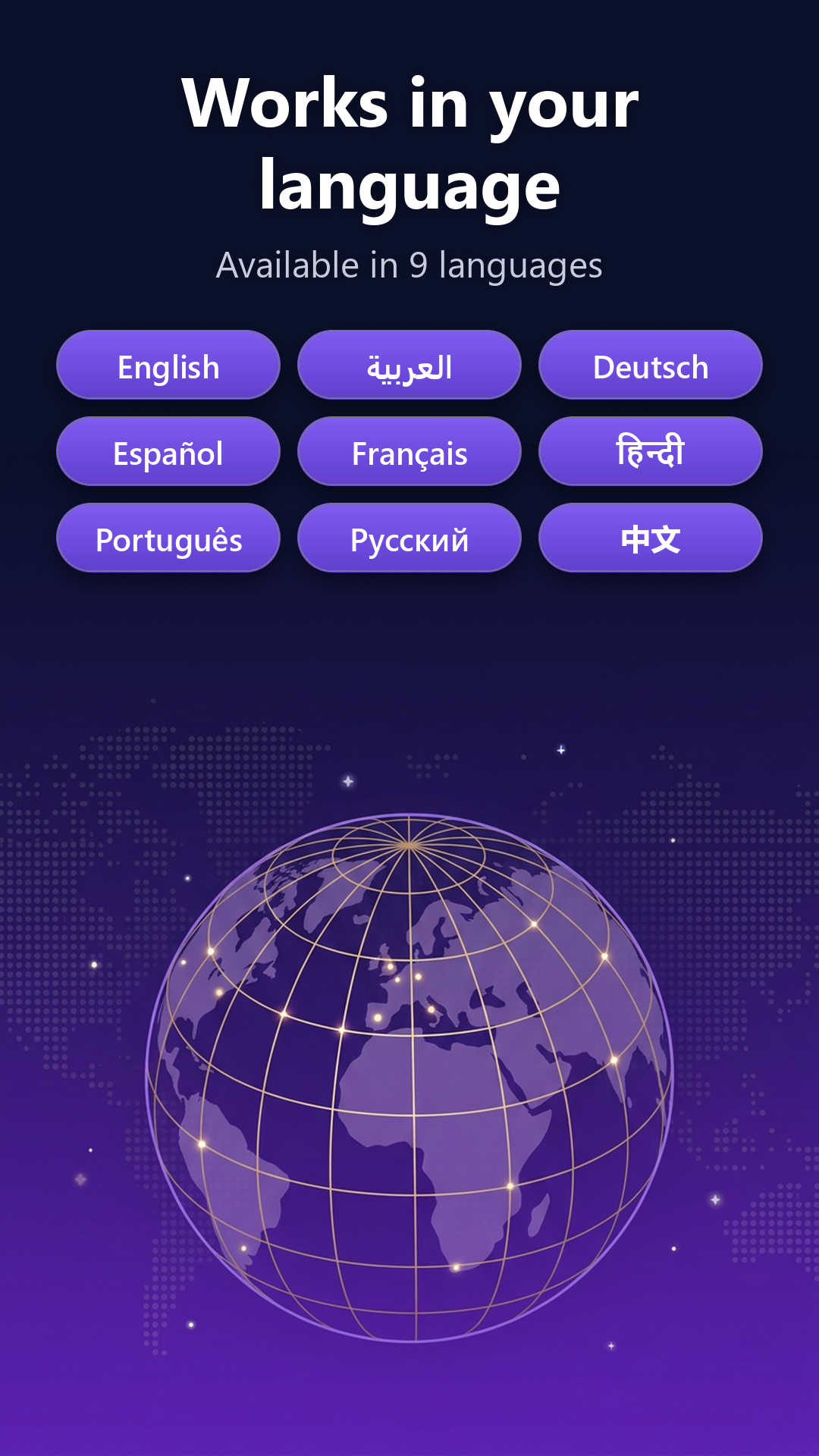
- English, Arabic, German, Spanish, French, Hindi, Portuguese, Russian, Chinese
- Current version
- 1.4.8 (October 2026)
- Get it
- Google Play
- Demo
- 27-second video on YouTube
- Contact
- under.cntrl.dev@gmail.com
What makes it different
- It can't read your screen. Most Android app lockers ask for the Accessibility service, a permission that lets an app see everything on the screen. AppLocker doesn't use it. Usage Access tells it which app is opening, and "Display over other apps" puts the lock screen on top.
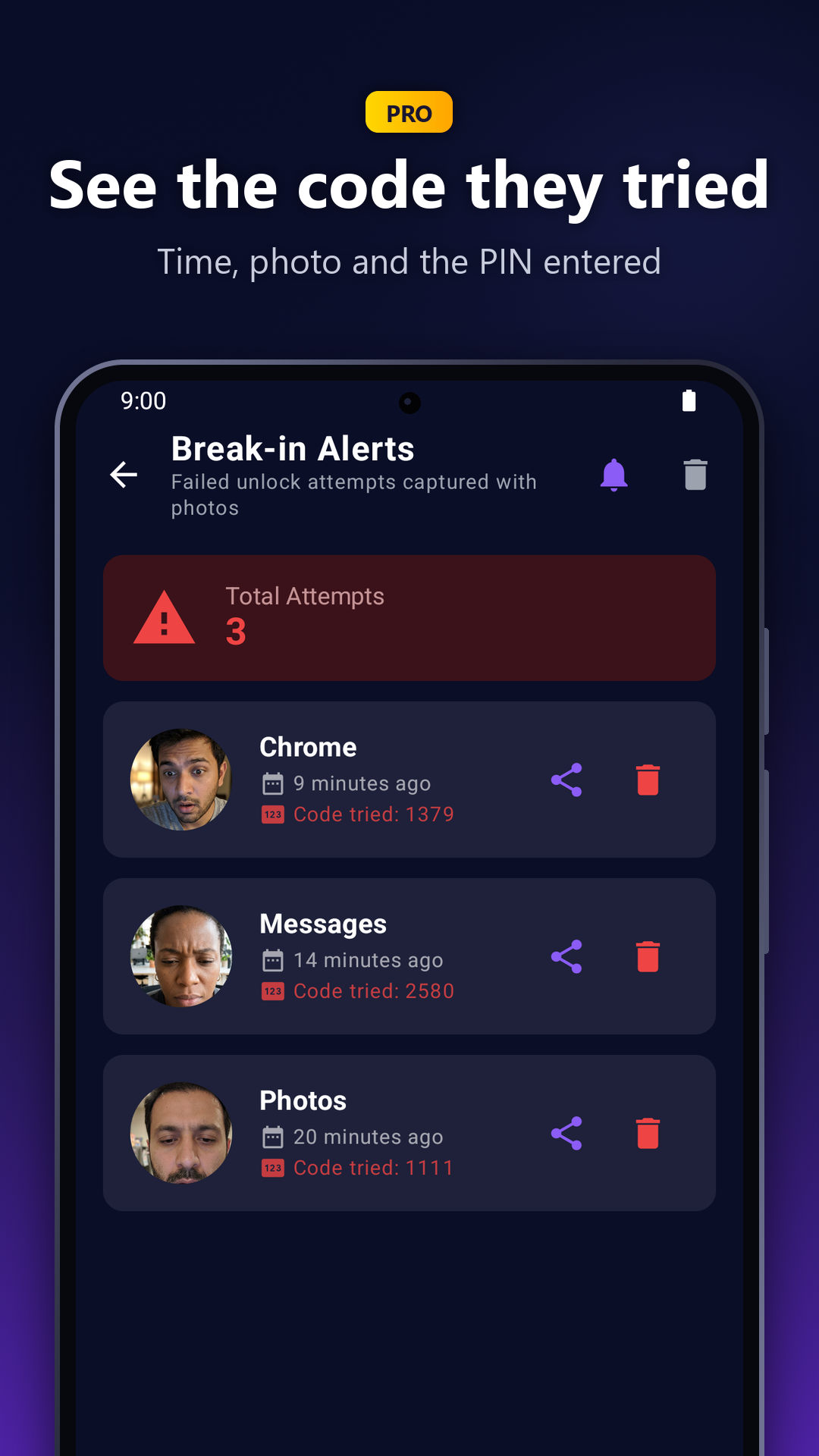
- It shows you who tried. PRO A wrong PIN quietly takes a front-camera photo and records the exact code that was tried. The person holding the phone isn't told.
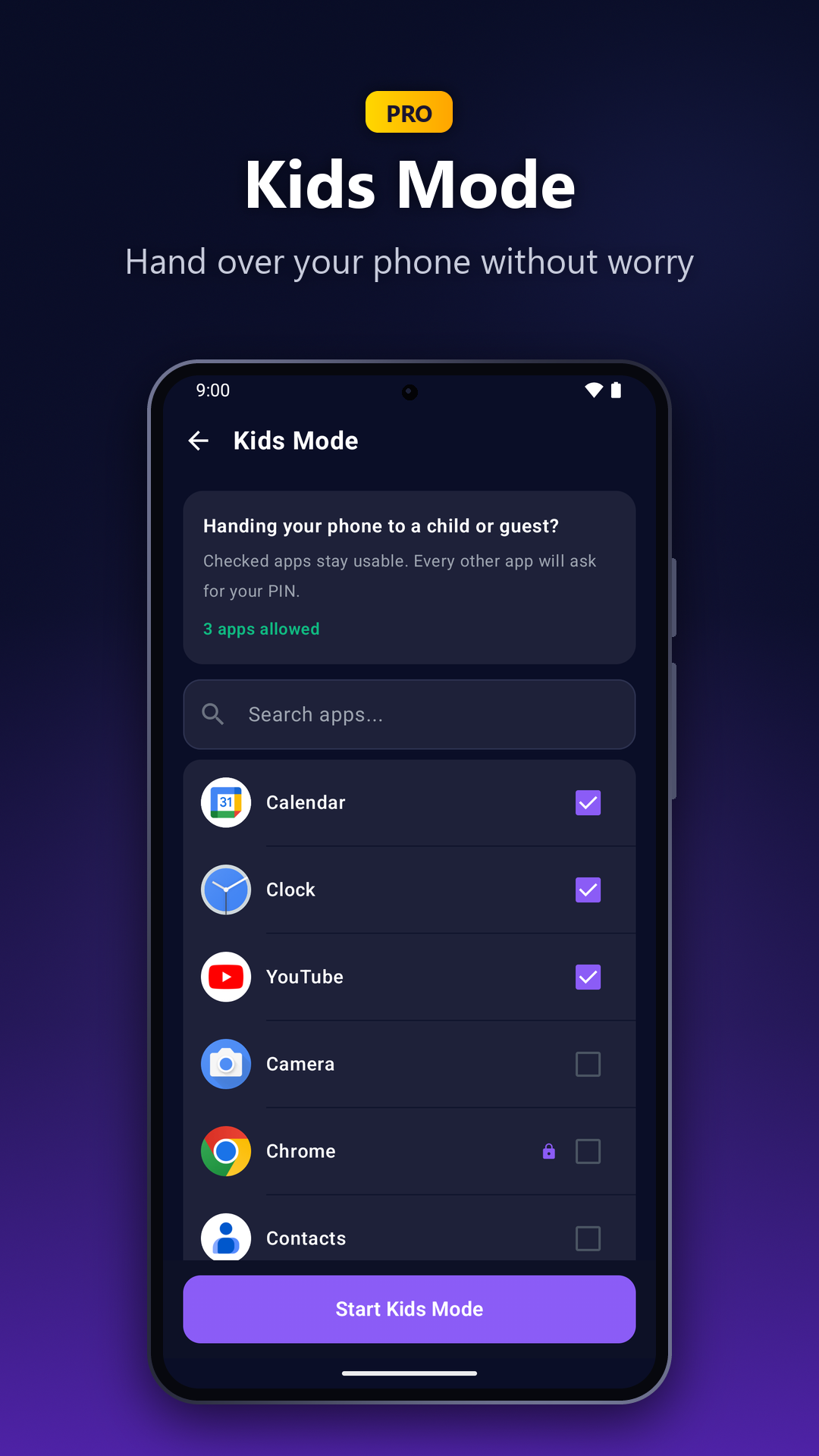
- It's made for handing your phone over. PRO Kids Mode locks every app except the ones you allow, in one tap.
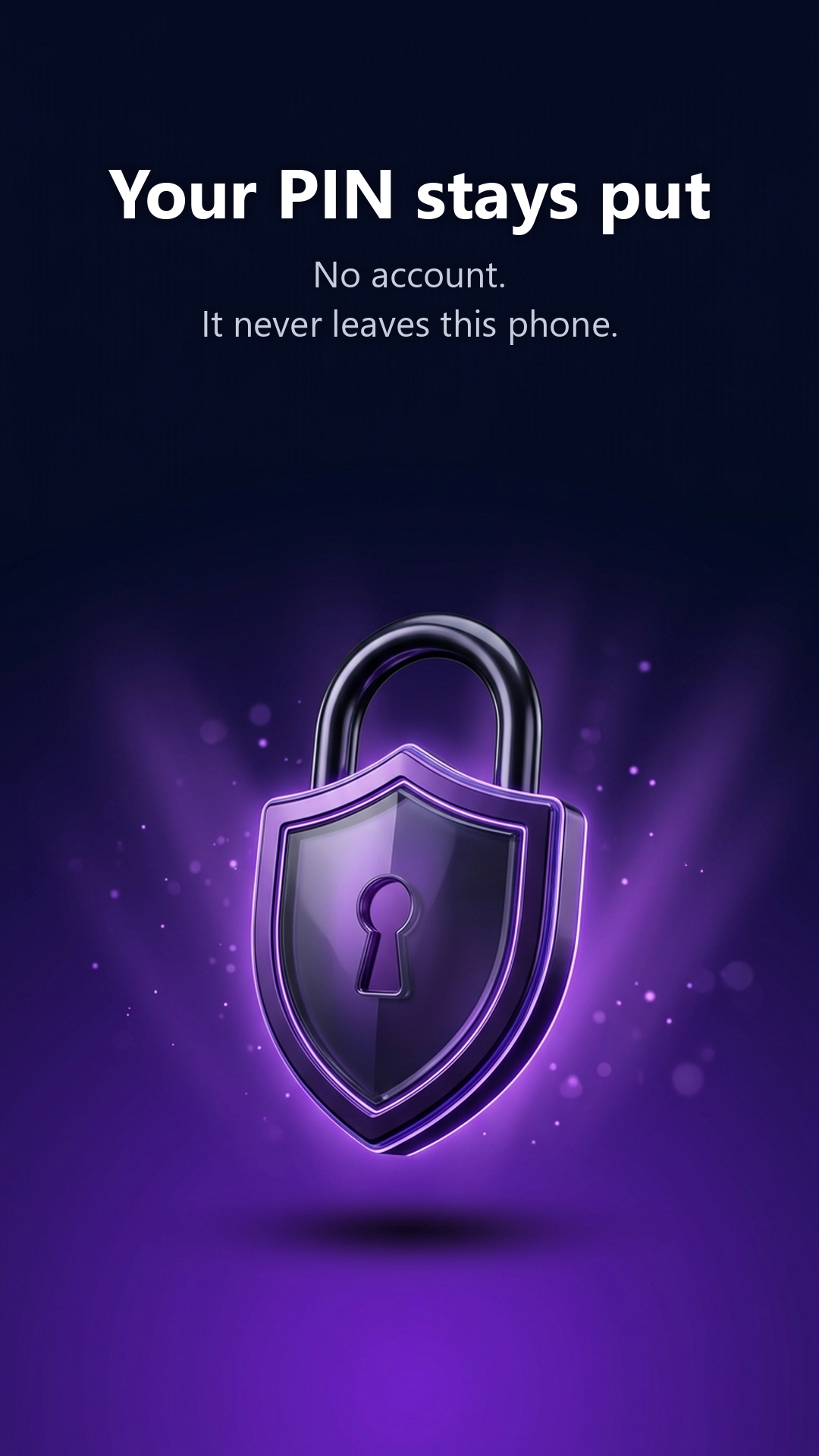
- Nothing to sign up for. There's no account, and the PIN is stored only on the phone.
Descriptions you can use
Short (about 40 words)
AppLocker is an Android app lock for when someone else has your phone. Chats, photos and banking stay shut until your PIN or pattern goes in. It doesn't use the Accessibility service, needs no account, and is free for up to 3 apps.
Long (about 140 words)
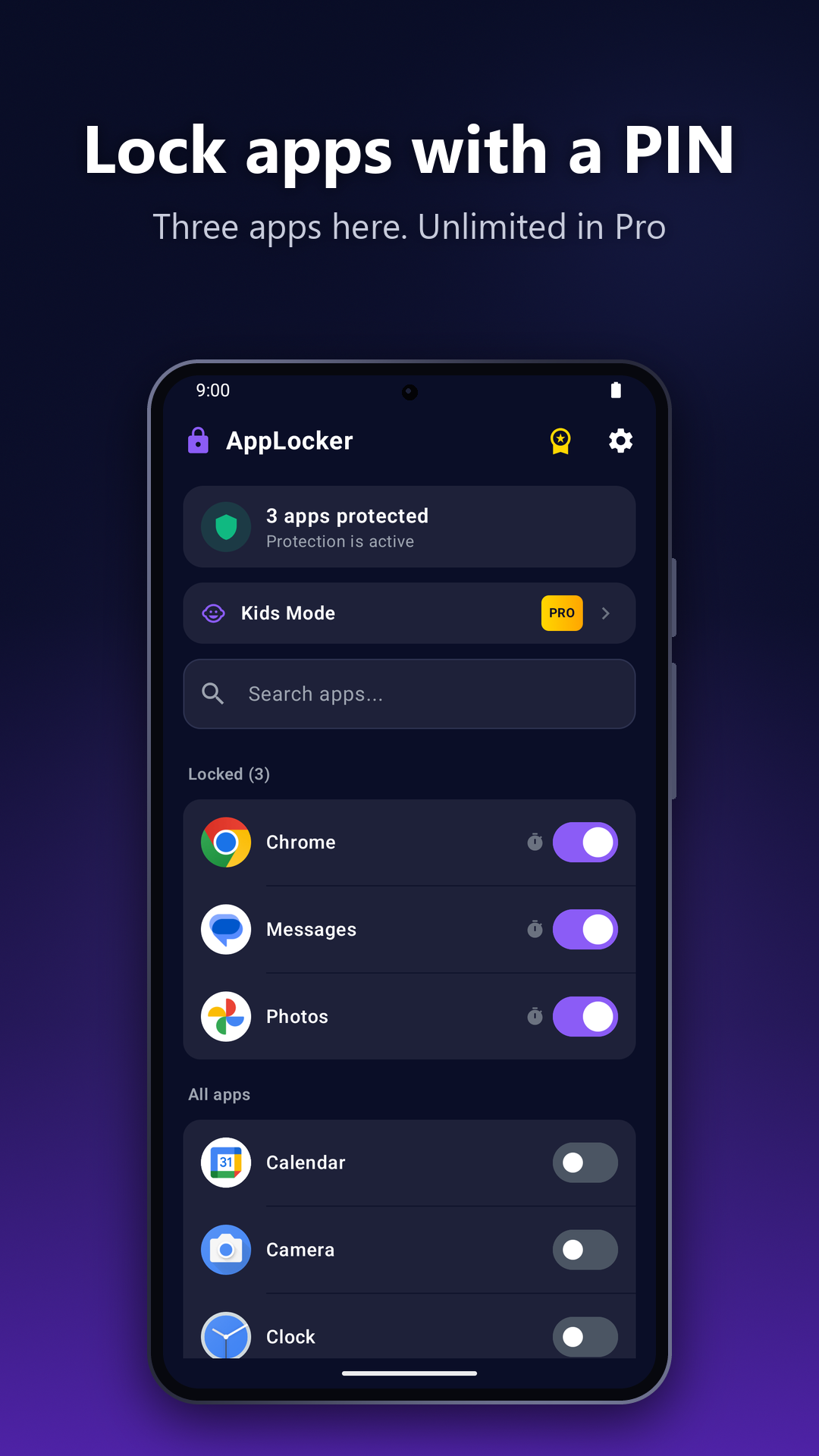
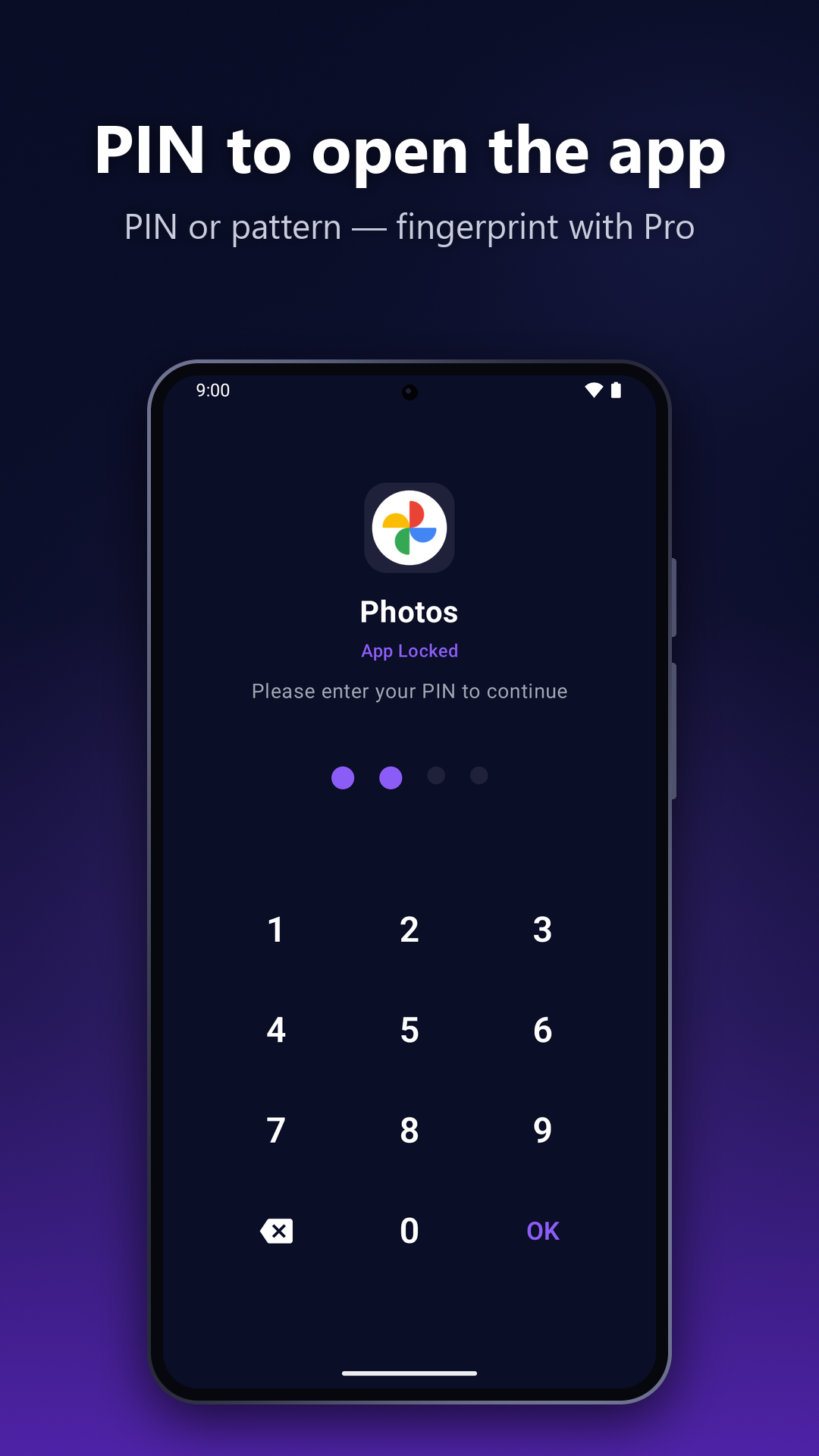
AppLocker is an Android app lock built around one moment: your phone is in someone else's hands. The apps you choose, such as chats, the photo gallery or banking, stay shut until your PIN or pattern goes in, and they lock again shortly after you leave them.
Unlike most app lockers, AppLocker doesn't use Android's Accessibility service, so it can't read what's on your screen. There's no account, and the PIN never leaves the phone.
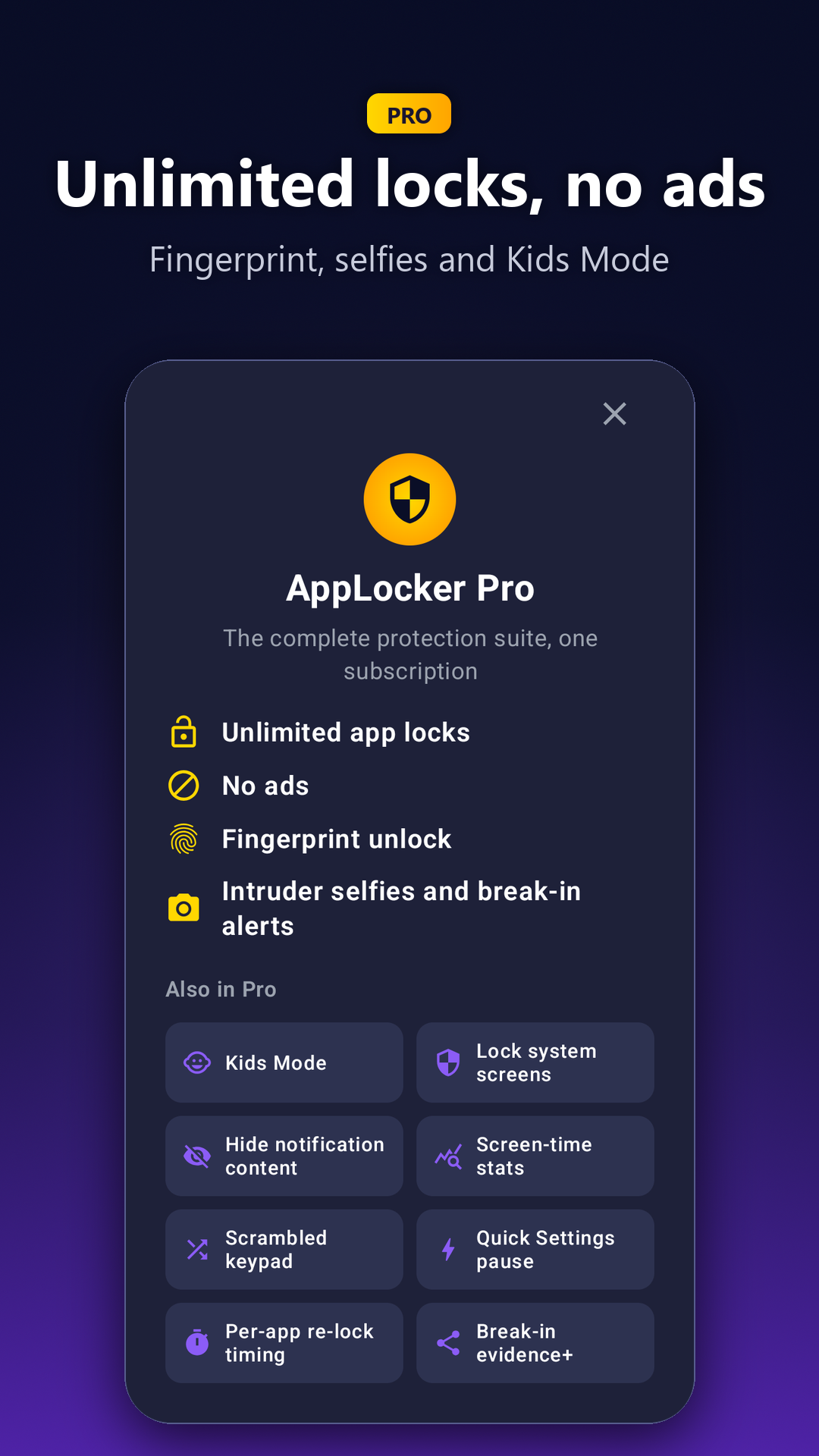
The free plan locks up to 3 apps and shows ads. AppLocker Pro, a monthly subscription, quietly takes a front-camera photo when someone enters a wrong PIN and shows the code they tried. It also adds Kids Mode, fingerprint unlock, unlimited locks and no ads. AppLocker runs on Android 7.0 or later and is available in 9 languages.
Images
Free to use in articles and reviews about AppLocker. Click a screenshot for the full-size PNG (1080×1920).
Download everything (ZIP, 10.3 MB)
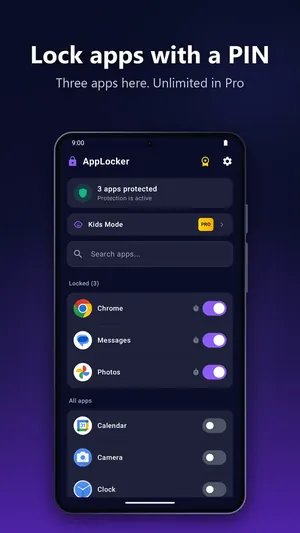 Lock apps with a PIN
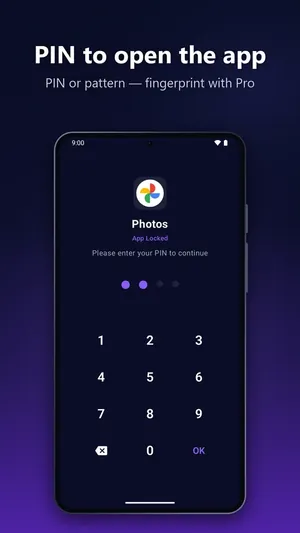 PIN to open the app
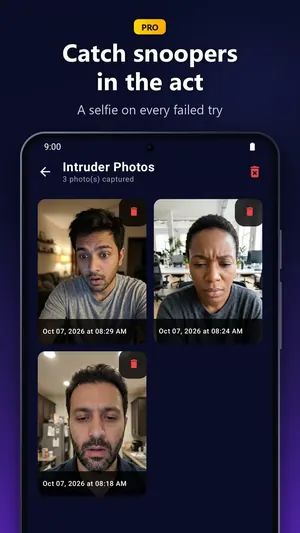 Intruder Selfies (Pro)
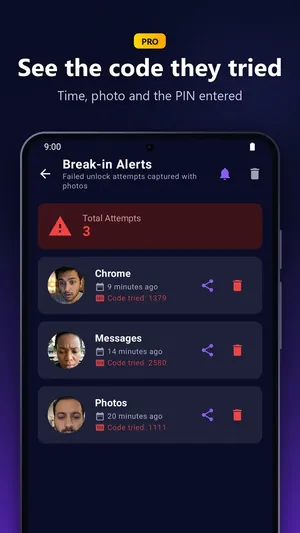 Break-in Alerts with the code tried (Pro)
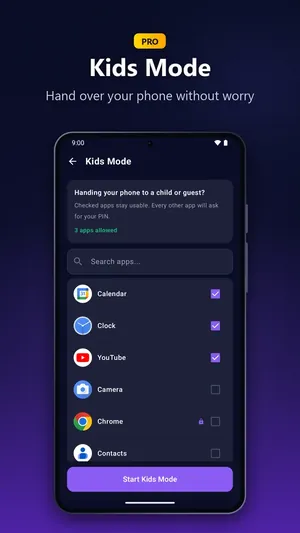 Kids Mode (Pro)
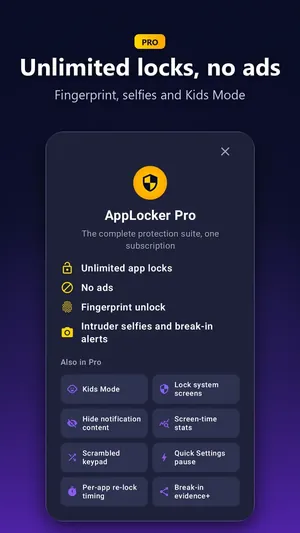 AppLocker Pro
 No account; the PIN stays on the phone
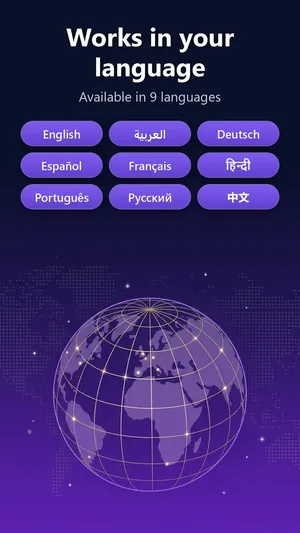 9 languages
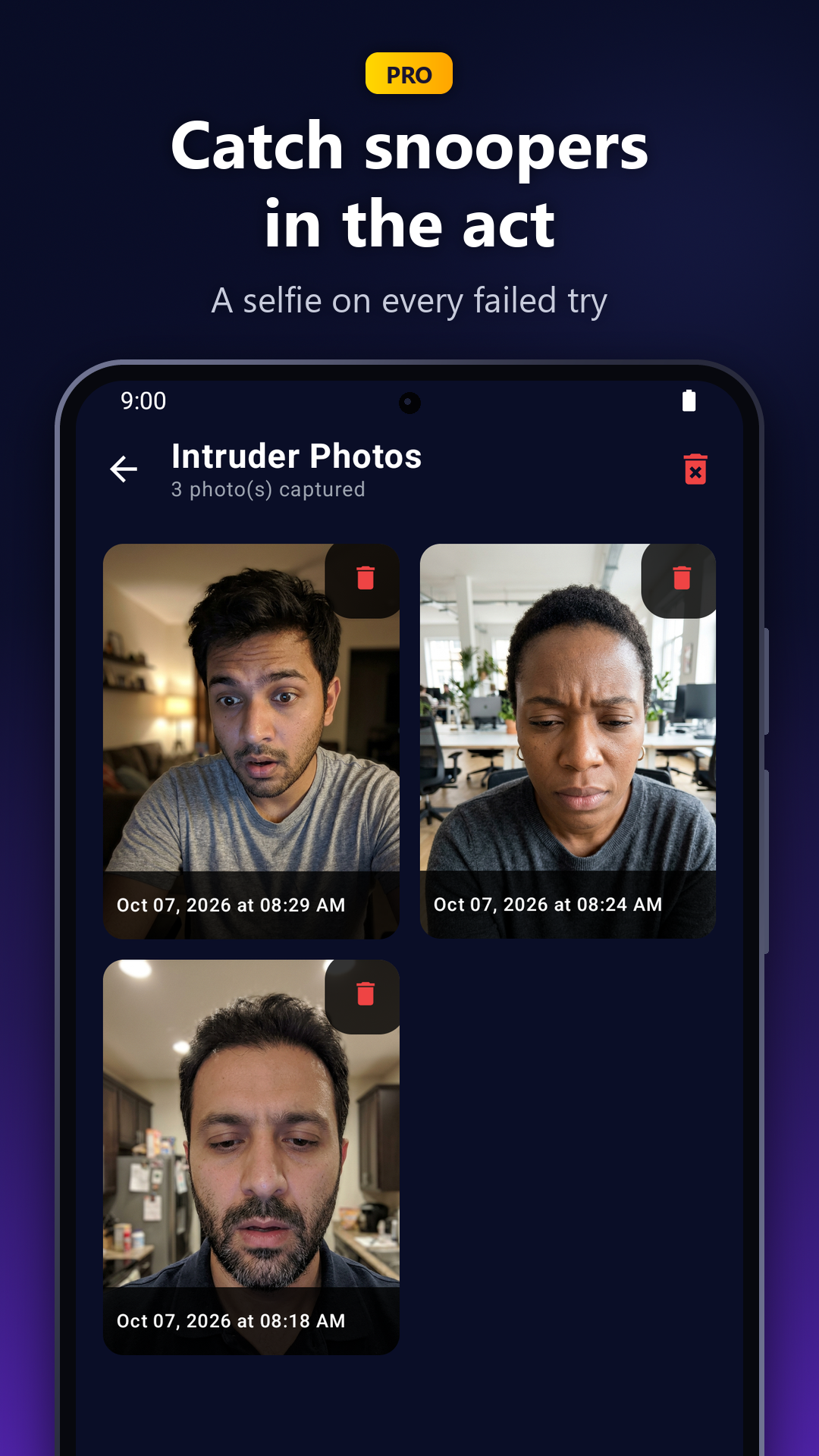
The faces in the Intruder Selfies and Break-in Alerts screenshots are illustrations of fictional people, not real users.
Reviewing AppLocker?
Email under.cntrl.dev@gmail.com. It goes straight to the developer. Ask about Pro access for your review, a quote, or anything about how the lock works.
For the technical background, read how an app lock works without Accessibility.